
Internal preview — not public
PromoCard
This is what the reusable PromoCard component looks like in
isolation. Once the MailerLite config block at the top of
src/components/PromoCard.tsx is filled in, this
same component can be dropped onto any page (homepage, area
pages, blog posts, the end of a venue detail, etc.).
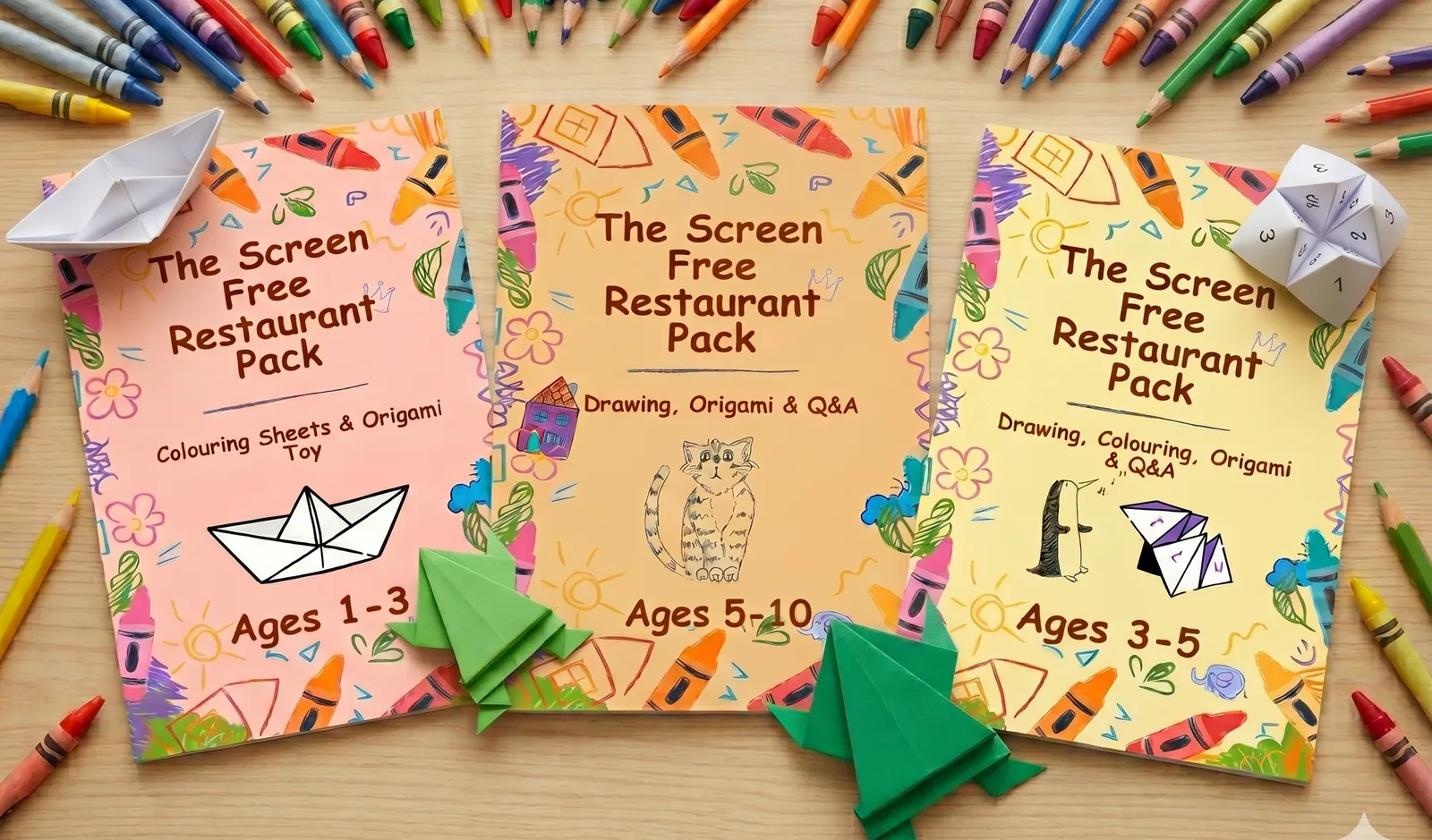
Free Restaurant Activity Packs
The secret to a calmer meal out? Something to do that isn't a phone. Each pack is full of screen-free bits and bobs to keep little hands busy at the table and buy you a proper sit-down. Three printable packs, one for each age (toddler, preschool, primary) — free, straight to your inbox.
- Colouring
- Origami
- Drawing lessons
- Table questions
What I need from you to finish wiring
- Open MailerLite → Forms → embedded form attached to the Family Friendly Uk group → Embed → HTML tab.
-
From the generated
<form action="…">tag, copy the URL intoFORM_ACTION_URL. -
From the email
<input name="…">, copy the name attribute intoEMAIL_FIELD_NAME(usuallyfields[email]). -
From the group settings (URL contains the numeric ID),
copy that into
GROUP_ID. If your form is already bound to the group, this can stay empty. -
Build + retest at
/banner-preview. The success state should appear and a double-opt-in email should land.